Exe Jpg File Binder V2 5 6
It's very simple How about sending a trojan or a keylogger into your slave using this trick.?? 1) Firstly, create a new folder and make sure that the options 'show hidden files and folders' is checked and ‘hide extensions for known file types’ is unchecked. Folder Of Files Binders. Archive Drawer. Basket Raffia Basket. File Folder The Secret. Symbol Gui Internet. Folder Man Office. Binder File Folder. Folder Icon File. Folder Filesystem. Cartoon Dossier File. Documents Files Folders.
We discussed how to in Windows PCs in a previous article. The method was not difficult but it involves some hassle. It includes making a new folder and copying files through the command line.There is a tool known as JPGFileBinder which can be used for the same purpose. The software is portable and requires no installation. You can easily hide files inside JPEG images using this tool. All you need to do is download the zip file, extract the JPG+FileBinder.exe in your computer and hide files using a few steps.Here’s a step by step guide to perform the process.1. Collect the files which you want to hide in a single folder because you would need to compress it to.rar or.zip format using a.2.
Exe Jpg File Binder V2 5 6 2
Double click on JPG+FileBinder.exe icon.3. A small pop up box will appear. Click on the “Picture” button to add picture in which you want to hide files. Click on “Compressed file” button to add files you compressed in step 1. Click on “Output Picture File” button. Now you have to give a name to the output picture file. This output file will be your secret image file in which all the compressed files will stay hidden.Note: In the example I’ve given a name “picture” to the image file.
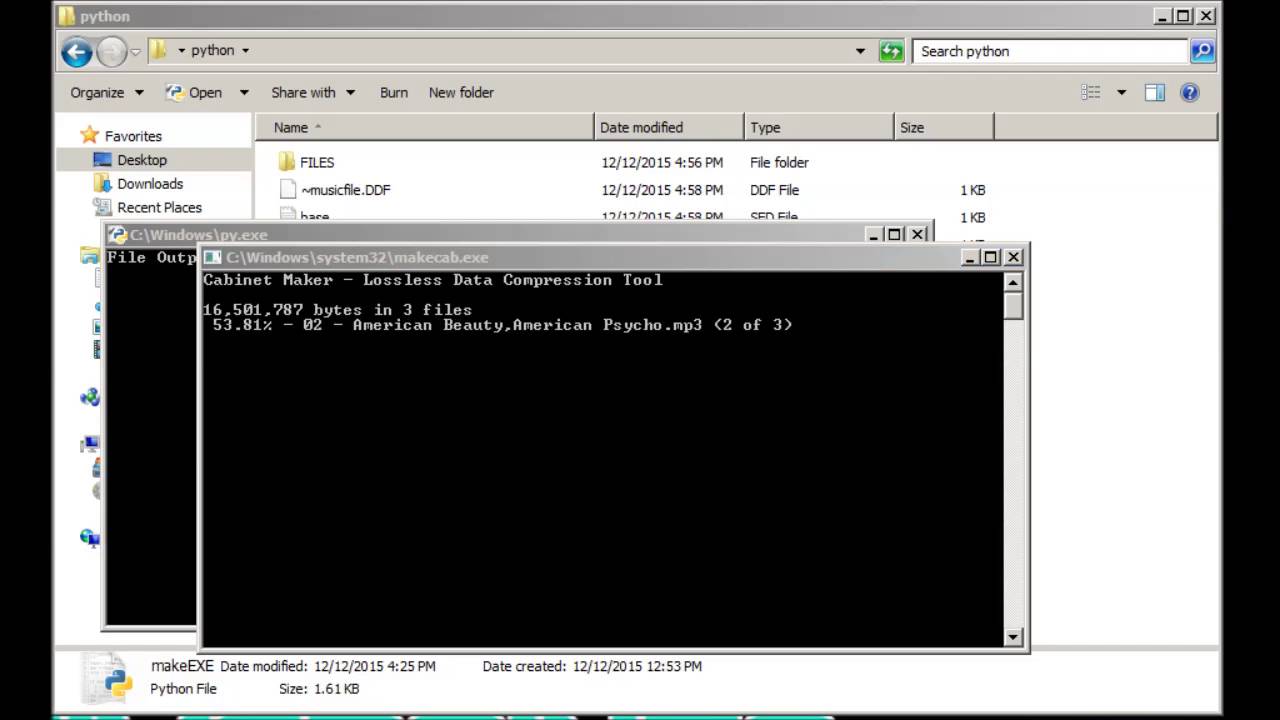
It will be saved as picture.jpg. You are free to choose any other name.5. Now click on OK button.6. Arduino two serial devices. A small notification box appears telling you that the files have been binded.How to get our Files back from the imageIn step 5, a name has been given to the output picture file. Rename the output image file picture.jpg to picture.zip. Now open it using any file compression software such as Zipgenius, 7Zip, Winrar or.Download Softpedia via Last updated on 8 Feb, 2018.